
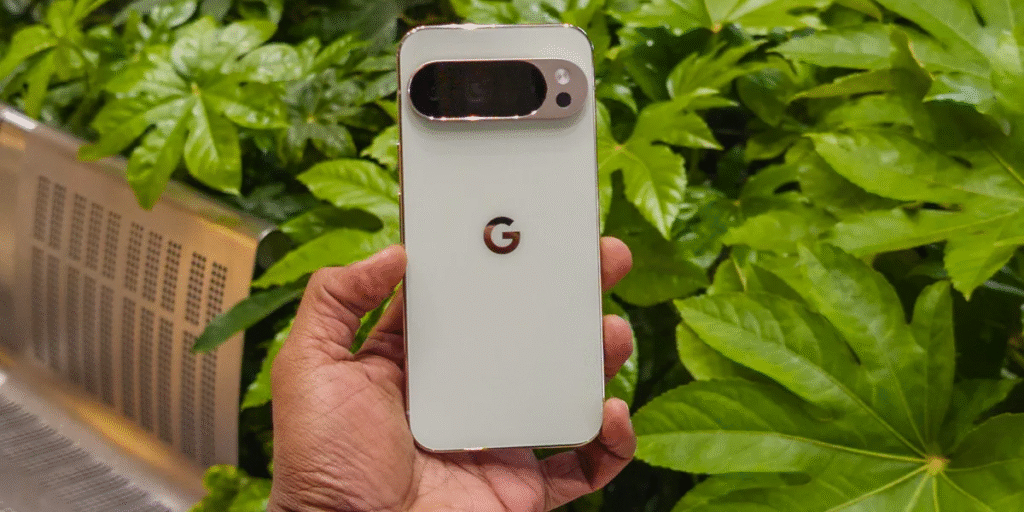
Google’s biggest software release of the year has officially arrived! The June 2026 Pixel Drop is rolling out to compatible devices, and it brings a whole bundle of exciting features alongside the stable build of Android 17 and Wear OS 7.
Whether you own a flag-ship model or an affordable A-series phone, this update makes your device feel brand-new. From floating multitask windows to next-generation creative AI, here is a complete, easy-to-understand breakdown of everything new in this update and why you should install it on your Pixel phone right away.
1. What’s New in Android 17?
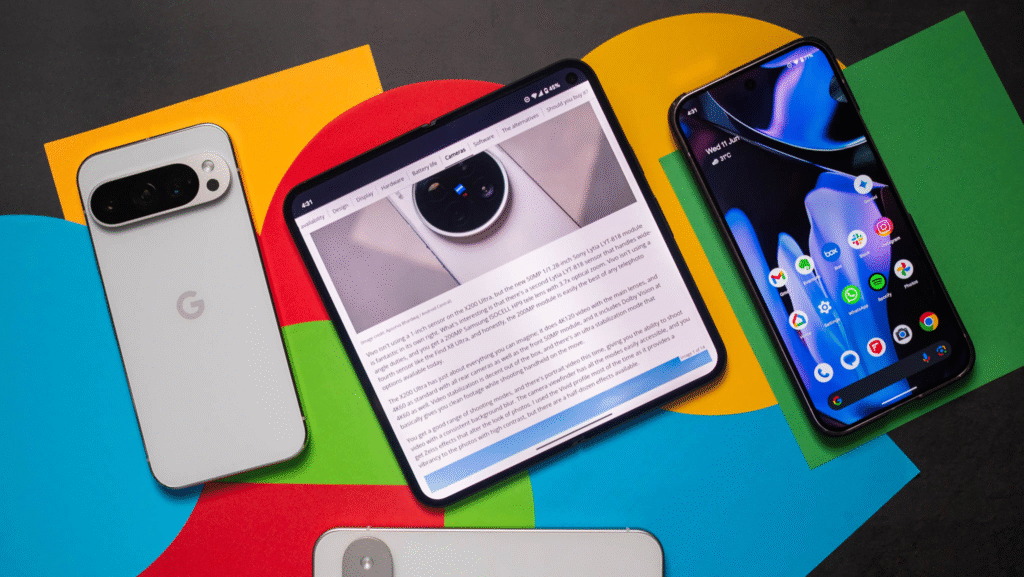
The stable version of Android 17 is now available for the Google Pixel 6 series and all newer models. It focuses on making daily multitasking effortless, helping content creators, and giving you tighter control over privacy and safety.
App Bubbles: Multitasking Made Simple
Have you ever found yourself constantly bouncing back and forth between two apps? Android 17 fixes this hassle with App Bubbles.
- How it works: Simply press and hold any app icon on your screen, and you can turn it into a small floating bubble.
- Why it’s useful: The bubble stays on top of whatever else you are doing. For instance, if you are answering work emails but waiting for your flight at an airport, you can keep your airline boarding pass open in a floating bubble. You can glance at your gate number or boarding group in one tap without ever leaving your work app.
Foldable Upgrades: Bubble Bar & 50/50 Gaming Mode
If you use a foldable Pixel device, Android 17 brings tailored display optimizations:
- The Bubble Bar: Located at the bottom of the inner foldable screen, this dedicated bar stores and organizes your recent app bubbles in one neat, accessible row.
- 50/50 Gaming Mode: Google is introducing a split gaming view designed specifically for folding displays. The game runs smoothly on the top half of your screen, while a dynamic, touch-responsive gamepad populates the bottom half. It essentially turns your folding phone into a portable gaming console!
Screen Reactions: Built-In Picture-in-Picture Recording
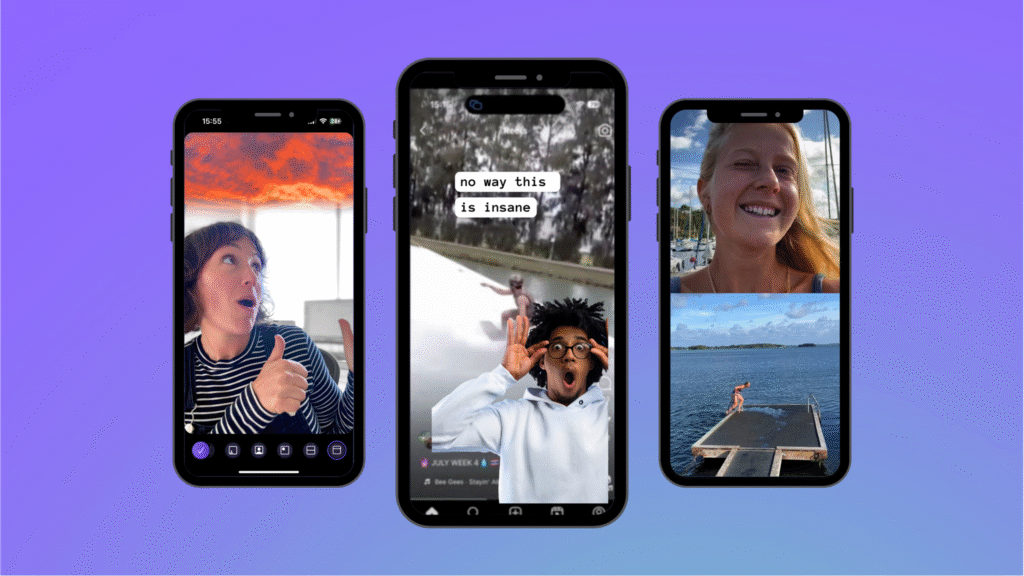
Recording video reactions or step-by-step app tutorials used to require third-party editing tools or awkward workaround setups. Screen Reactions solves this by letting you overlay a live selfie video directly onto a screen recording—giving you an instant “green screen” effect.
How to enable Screen Reactions:
1. Swipe down twice from the top of your screen to open Quick Settings.
2. Tap the Screen Record icon.
3. Toggle on "Show selfie camera" and press Start.
4. Drag, resize, or reposition your selfie video window anywhere on screen while recording.
Enhanced Safety, Parental Controls & Google Find Hub
Android 17 doesn’t just stop at visual tweaks. It also strengthens system-wide privacy and security:
- Broader Parental Controls: Expanded management tools that now work beyond standard Pixel hardware.
- Upgraded “Mark as Lost”: Integrated directly into the Google Find Hub, allowing you to lock down lost or stolen devices faster and track them with improved accuracy.
2. Magic Cue & Voice-Powered Photo Editing Expansion
Google’s intelligent assistant features are expanding to more regions and broader application ecosystems.
Magic Cue Reaches More Messaging Apps
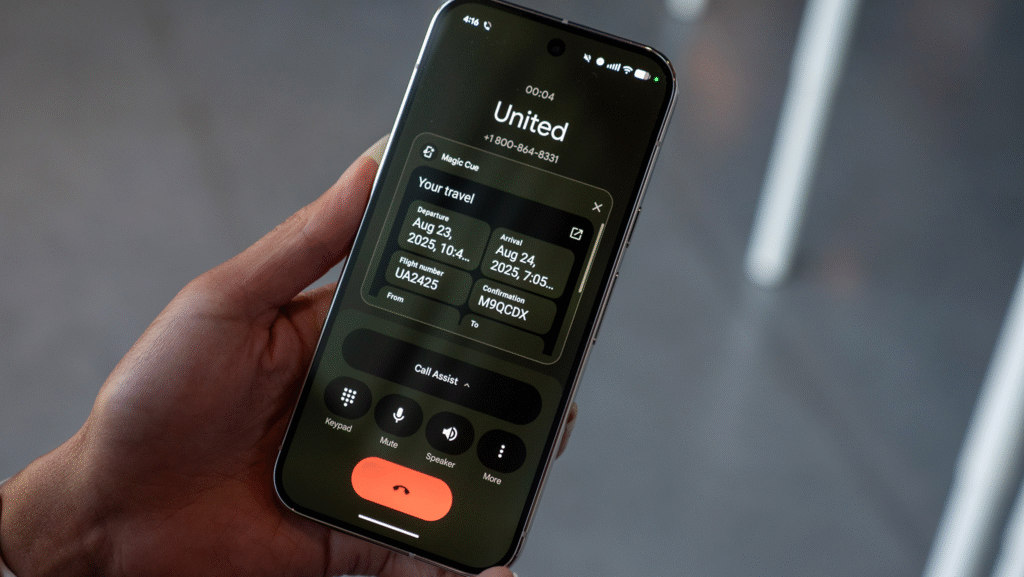
Introduced on the Pixel 10 last year, Magic Cue works as an intelligent contextual assistant. It analyzes what is currently displayed on your screen and provides helpful, automatic pop-up suggestions or overlays.
Previously limited to select apps, Google is now expanding Magic Cue into more chat and social messaging platforms. Whether you are coordinating weekend plans or discussing work schedules in group chats, Magic Cue will automatically pop up with relevant calendar events, map directions, or smart replies.
Voice-Powered “Edit Photos” Lands in Europe
Editing photos no longer requires digging through menus and sliding color wheels. With the Edit Photos feature, you can modify images simply by using voice commands.
- How it works: Speak naturally to your phone—ask it to “remove background distractions,” “brighten the lighting,” or “apply a warm sunset filter.”
- Expanded Availability: This feature is now officially expanding to five new European countries: France, Germany, Italy, Spain, and the United Kingdom. It is supported on all models from the Pixel 6 series upward.
3. Big Upgrades for Budget Pixels: Pixel 10a, 9a & 8a
Google continues its tradition of bringing high-end features down to its budget-friendly A-series lineup.
Cross-Platform Sharing: Quick Share Meets AirDrop
If you work across both Android and Mac/iOS ecosystems, file transfers can sometimes be frustrating. Google is addressing this by expanding cross-platform file-sharing capabilities:
- Pixel 8a and Pixel 9a now feature Apple devices directly within their native Quick Share menu.
- This allows smooth, direct wireless file transfers to nearby Apple products without needing third-party web tools or cloud links.
Voice Translate Comes to Pixel 10a
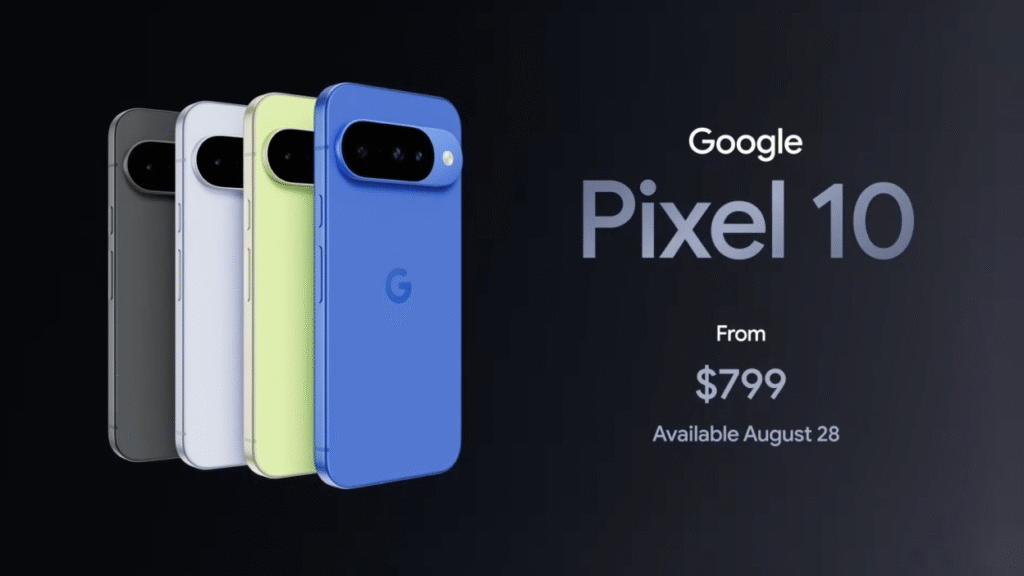
The popular Voice Translate feature—which originally launched exclusively on the flagship Pixel 10 series—is now rolling out to the Pixel 10a.
What Voice Translate does:
• Translates spoken words into another language during active phone calls.
• Synthesizes the translation using an AI version of your own voice!
• Runs efficiently without requiring 12GB of RAM or top-tier processors.
The arrival of Voice Translate on a $500 device proves that Google’s mid-range hardware is capable of running advanced AI, opening the door for previous-generation Pixels to receive similar tools in future updates.
4. Call Assist: Manual Call Screen Arrives in India
Dealing with unknown callers, spam, and telemarketers can drain your energy. Google’s Manual Call Screen tool helps filter unwanted calls before you even speak.
How Manual Call Screen Works
When an unknown number calls your Pixel phone:
- Tap the Call Screen button on your incoming call display.
- An automated Google assistant answers the call and politely asks the caller to state their name and reason for calling.
- You see a live transcript of the caller’s response on your screen in real time.
- Smart contextual response buttons appear, letting you accept the call, ask for more details, or report the call as spam and hang up instantly.
India Expansion
While Manual Call Screen has been available on Pixel 6 and newer devices in several Western markets, Google is officially expanding support for the feature to Pixel 10 series devices in India, with plans to bring it to older Indian Pixel models soon.
5. Next-Level Generative AI: Gemini Omni & Lyria 3
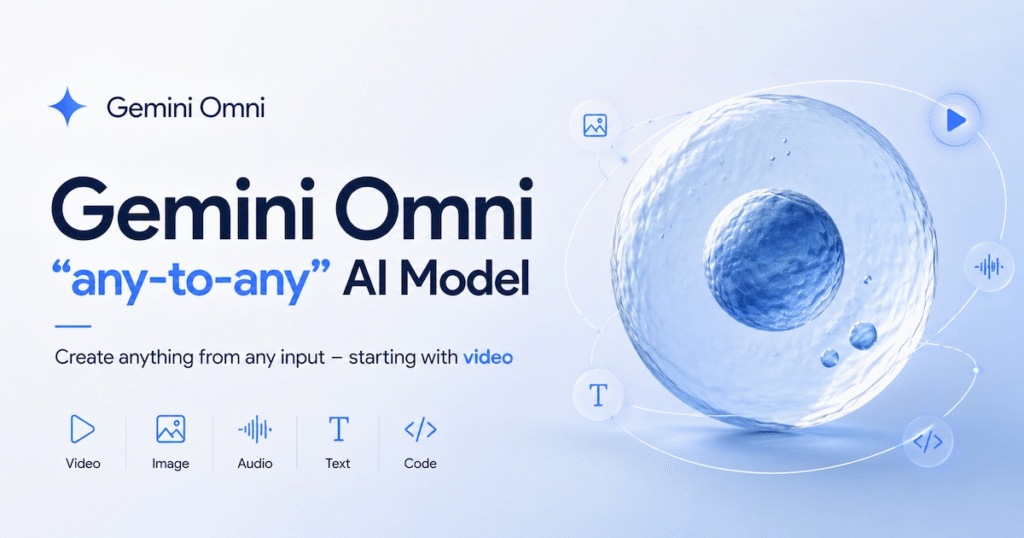
The Gemini app on Pixel devices receives two flagship AI generation models designed for audio and video creators.
Gemini Omni: AI Video Generation & Custom Avatars
Available for Google One AI Premium/Pro subscribers, the Gemini Omni model brings powerful video generation tools to your mobile device:
- Prompt-to-Video: Blend text descriptions, photos, and video clips into high-quality original video content.
- Remix Capabilities: Upload existing photos from your Camera Roll and use natural conversational prompts to change scenes, lighting, or style.
- Custom AI Avatars: Generate a photorealistic video avatar that looks and speaks like you, making it easy to drop yourself into animated or stylized video clips.
Lyria 3: Instant Music & Soundtrack Creation
For users running Android 17 on compatible Pixel hardware, the new Lyria 3 music generation model lets you generate original tracks right inside the Gemini app.
- Text-to-Music: Type out a mood or scene (e.g., “upbeat synthwave track for a morning run”), and Lyria 3 generates a custom audio track complete with realistic vocals and lyrics.
- Image-to-Music: Upload a photo, and Gemini will analyze the visual elements to compose a custom soundtrack that matches the image’s mood.
- Full Control: Customize the tempo, vocal style, genre, and instrumental mix using simple chat prompts.
6. Pixel Watch Upgrades: Wear OS 7 Safety Features
If you pair your Pixel smartphone with a Pixel Watch, the Wear OS 7 update introduces crucial emergency safety updates designed to give you and your loved ones peace of mind.
If your watch detects a severe incident, it can now automatically place an emergency phone call through your connected Pixel smartphone while simultaneously sending your exact location to your designated emergency contacts.
| Safety Feature | Supported Wearable Models | How It Works |
| Fall Detection | All Pixel Watch models | Detects hard impacts or sudden falls and initiates emergency assistance if you remain unresponsive. |
| Car Crash Detection | Pixel Watch 2, 3, and 4 | Uses high-g sensors and audio cues to detect severe vehicular accidents. |
| Loss of Pulse Detection | Pixel Watch 3 and 4 | Monitors heart rate algorithms to detect sudden circulatory loss or cardiac events. |
How to Get the June 2026 Pixel Drop Update
The June 2026 update is rolling out in batches over the coming weeks. To check if the update is ready for your device:
- Open your phone’s Settings app.
- Scroll down and tap System.
- Select System update.
- Tap Check for update.
Tip: Make sure your phone is connected to Wi-Fi and has at least 50% battery before starting the installation process.
Frequently Asked Questions
1. Which Pixel phones are compatible with Android 17?
The stable build of Android 17 is available for the Google Pixel 6, Pixel 6 Pro, Pixel 6a, and all newer Pixel models, including the Pixel 7, 8, 9, and 10 series.
2. Do I need a paid subscription to use Gemini Omni?
Yes, the Gemini Omni video generation model requires an active Google One AI Premium/Pro subscription. However, other tools like Lyria 3 music generation are available to Pixels running Android 17.
3. How do I enable Screen Reactions during a screen recording?
Swipe down twice to open Quick Settings, tap the Screen Record button, toggle on “Show selfie camera,” and start recording. You can drag and resize your selfie window anywhere on screen.
4. Is the AirDrop compatibility feature available on older Pixels?
Yes! The June 2026 update expands Apple device visibility in the Quick Share menu to both the Pixel 8a and Pixel 9a, in addition to newer Pixel devices.
5. Which Pixel Watches support Car Crash Detection?
Car Crash Detection on Wear OS 7 is available on the Pixel Watch 2, Pixel Watch 3, and Pixel Watch 4.